Get free quotes from dental IT support near you
Takes about a minute. Free, no obligation; providers reply to you directly.
The dental practice manager I talked to last year spent three months chasing a freelance IT guy who kept promising he’d “get to the Dentrix migration next week.” By the time she cut ties, the practice was running two months behind on a new location opening — and still had no working network.
Hiring dental IT support isn’t like hiring a plumber. The wrong move doesn’t just inconvenience you for an afternoon; it can stall a new office build, expose patient data, or knock your practice management software offline during a packed schedule. Most practices learn this the hard way because nobody walks them through what the process actually looks like.
Here’s the roadmap.
The Short Version:Expect 2–3 weeks from first contact to signed agreement, followed by a structured onboarding that spans 30–90 days. You’ll do a discovery call, a needs assessment, a proposal review, and a phased rollout. Bring your current network diagram, software licenses, and HIPAA compliance history to that first call — it speeds everything up.
Key Takeaways
- The full hiring-to-onboarding cycle runs 2–3 weeks for vetting plus 90 days for proper onboarding; plan accordingly for new locations.
- Dental IT providers use a phased implementation model (installation → configuration → training → review) — not a one-day setup.
- Skills assessments and structured phone screens catch most bad-fit providers before you sign anything.
- If you’re opening a new office, start the search 1–2 months before your target open date. Not two weeks.
Step 1: Define What You Actually Need (Before You Contact Anyone)
Nobody tells you this part, but it matters more than the provider you choose.
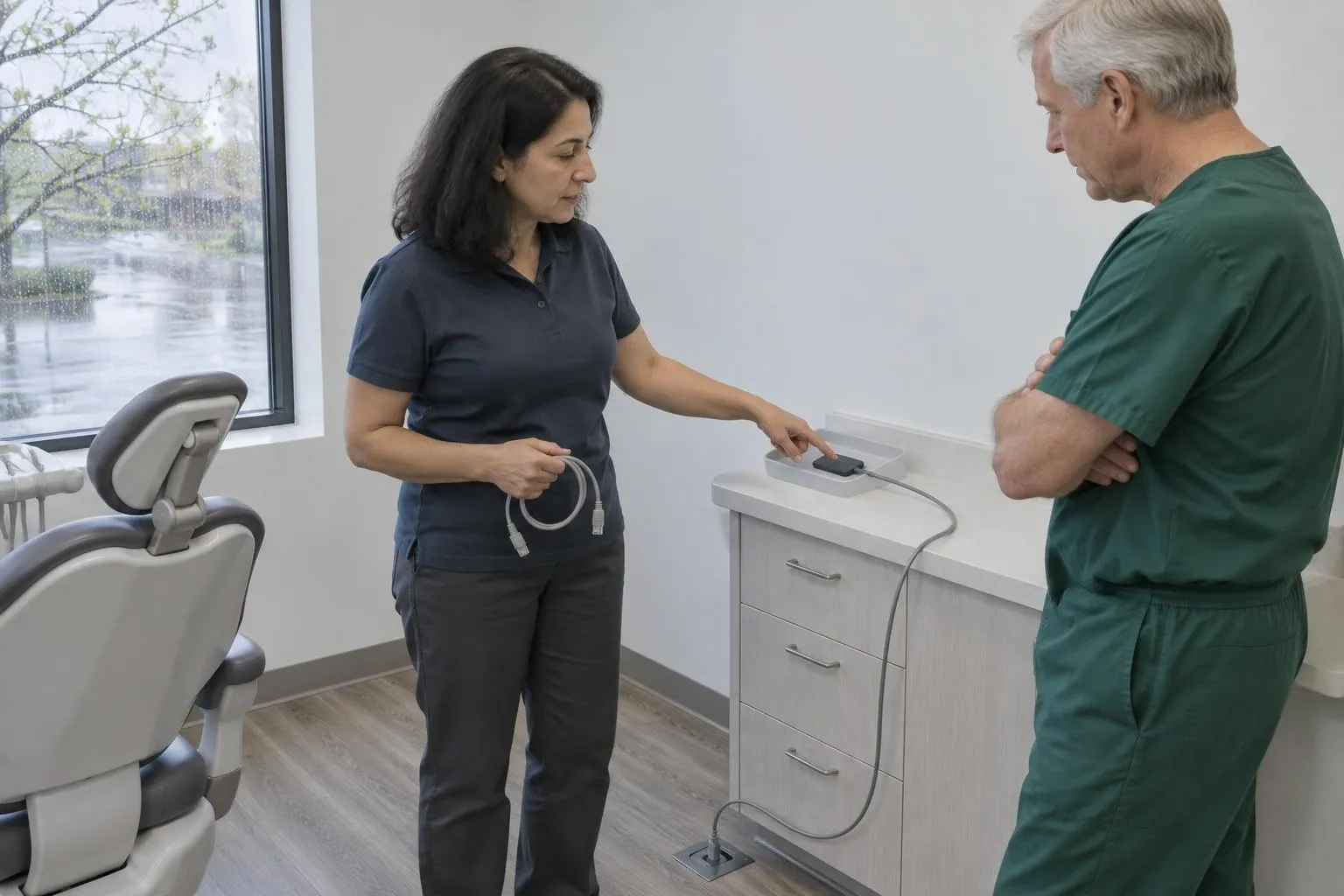
Before you reach out to a single vendor, write down your current systems: practice management software (Dentrix, Eaglesoft, Open Dental), imaging hardware, server setup (local vs. cloud), and whether you’ve had a HIPAA risk assessment in the past 12 months. Also note your trigger — new office, ransomware recovery, software migration, audit prep.
A clear scope prevents you from getting sold a managed services agreement when you only need a one-time migration, and vice versa.
Pro Tip:Pull your current IT vendor’s last invoice (if you have one) and your most recent HIPAA risk assessment. Providers will ask for both in the discovery call.
Step 2: The Initial Phone Screen (Days 1–3)
Most reputable dental IT firms will run a short intake call — expect 3–5 questions covering your software stack, patient volume, number of operatories, and any known compliance issues. This call should run no more than 15–20 minutes.
What you’re listening for: Do they ask about your specific dental software, or do they treat your practice like a generic small business? Dental IT is a specialty. A provider who doesn’t immediately reference Dentrix, Open Dental, or chair-side imaging integration probably doesn’t work in this space enough to matter.
Red flag: They quote you a price on this call without seeing your setup. That’s not confidence — that’s a number they’ll revise upward once they’re inside your network.
Step 3: On-Site or Remote Assessment (Days 4–8)
This is the real discovery phase. A qualified provider will conduct a network audit — either on-site or via remote tooling — covering:
- Existing hardware inventory and age
- Software versions and license status
- Network topology (switches, firewall, VPN)
- Current backup solution and recovery time estimates
- HIPAA gap analysis
Plan to provide: network credentials, software license keys, your last backup log, and access to your server room (if applicable). The more you hand over upfront, the faster this goes.
Reality Check:If a provider skips this step and sends a proposal without auditing your environment, walk away. You’re about to let them touch every piece of technology your practice depends on.
Step 4: Proposal Review and Skills Validation (Days 8–14)
You’ll receive a written proposal outlining scope, SLA terms, monthly retainer (if managed services), and implementation timeline. Read the SLA carefully — specifically response time guarantees and what counts as a “critical” issue.
Before signing, run a short validation exercise. Ask them to walk you through how they’d handle a specific scenario: “Our Dentrix server goes down at 7am on a Monday with 30 patients scheduled. What happens?” A good provider gives you a step-by-step answer in under two minutes. A mediocre one gives you a brochure.
Here’s a quick comparison of what you’re evaluating:
| Criteria | Red Flag | Green Flag |
|---|---|---|
| Dental software knowledge | Generic IT references | Names your exact software stack |
| HIPAA credentials | ”We’re compliant” | CHIT, CHP, or CompTIA Security+ listed |
| Response SLA | ”As soon as possible” | Defined hours with escalation tiers |
| Assessment approach | Quote without audit | Network audit before proposal |
| References | None or generic | Dental practice references available |
| Onboarding plan | Starts Day 1 | Phased rollout with milestones |
Step 5: Onboarding — The 90-Day Window (Days 15–105)
Signing the contract is not the finish line. It’s the starting gun.
Structured dental IT onboarding runs in phases — here’s what a well-run implementation looks like:
- Phase 1 (Week 1–2): Installation and configuration — hardware setup, software installation, network hardening, endpoint security deployment.
- Phase 2 (Week 2–3): Payments and insurance integrations, practice management software verification.
- Phase 3 (Week 3–4): Team access provisioning, kiosk setup, permission levels by role.
- Phase 4 (Week 4–6): Staff training webinars and documentation handoff.
- Phase 5 (Week 6–8): Full implementation — live in production, provider on standby.
- Phase 6 (Day 90): Performance review — SLA adherence, open tickets, HIPAA risk assessment update.
The Day 30, 60, and 90 check-ins aren’t bureaucratic box-ticking. Day 30 surfaces training gaps before they become habits. Day 60 catches staff satisfaction issues before they become turnover. Day 90 is your first real performance data point.
Pro Tip:Ask your provider for a written onboarding checklist with named owners and due dates before Day 1. If they don’t have one, create it together. Ambiguity in the first 90 days is where implementations go sideways.
What the Full Timeline Looks Like
| Phase | Duration | Key Milestone |
|---|---|---|
| Needs definition | 1–2 days | Scope document complete |
| Phone screen | Days 1–3 | Provider shortlist (2–3 firms) |
| Assessment | Days 4–8 | Network audit delivered |
| Proposal + validation | Days 8–14 | Contract signed |
| Installation | Weeks 2–4 | Live systems |
| Training | Weeks 4–6 | Staff certified on new workflows |
| Performance review | Day 90 | SLA review, HIPAA update |
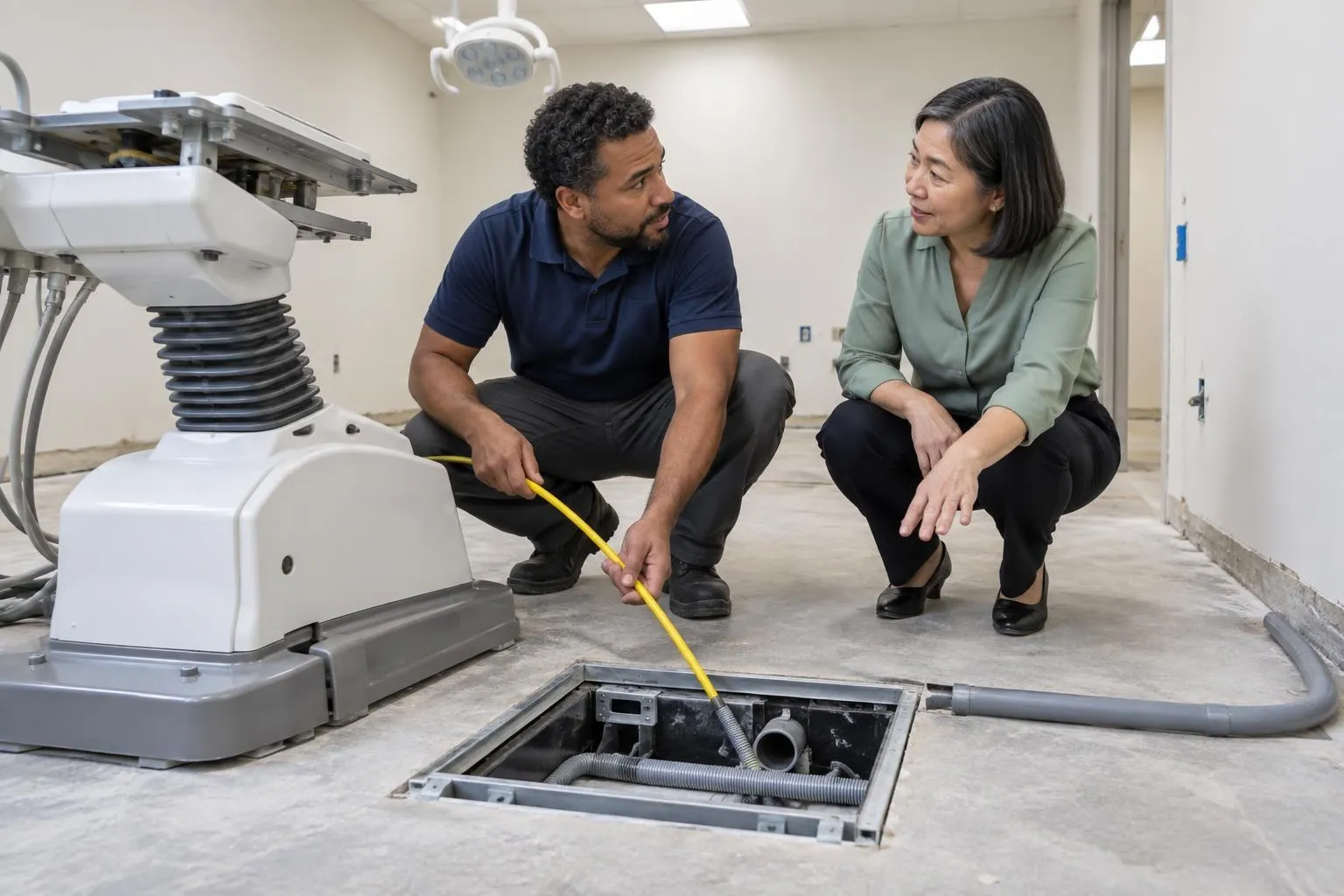
If you’re opening a new office, initiate this process 1–2 months before your target open date. Trying to compress a 90-day onboarding into 3 weeks because the chairs arrived early is how practices end up launching on a patchwork network with no backup solution.
Practical Bottom Line
The hiring process itself is 2–3 weeks if you move with intention. The onboarding that actually matters takes 90 days. Your job in that window is to show up prepared — with your software inventory, your compliance history, and the specific scenarios that keep you up at night — and to hold your provider accountable to the milestones they put in writing.
For a deeper look at how to evaluate providers before the first call, read The Complete Guide to Dental IT Supports. If you’re closer to a specific project — a Dentrix migration, a ransomware recovery, a new office build — start by finding vetted providers in your area and asking them exactly how they’d handle your situation.
The best dental IT relationships run for years. Getting the first 90 days right is what makes that possible.
Done reading? Get quotes from dental IT supports near you.
Takes about a minute. Free, no obligation; providers reply to you directly.
Popular cities:
Nick built this directory to help dental practice owners find credentialed IT providers without wading through general IT shops that lack dental software expertise — a gap he encountered when researching technology vendors for healthcare clients who needed both HIPAA compliance and Dentrix familiarity from day one.