Get free quotes from dental IT support near you
Takes about a minute. Free, no obligation; providers reply to you directly.
A dental office in suburban Ohio got hit with ransomware on a Tuesday morning in 2023. By noon, the front desk couldn’t pull up a single patient record. By Thursday, the practice had canceled three days of appointments. Recovery took six weeks. The kicker? Their IT provider was a local generalist who’d set up their network three years prior — and hadn’t touched it since. The antivirus? Consumer-grade. The backups? Never tested.
Nobody checked.
The Short Version:Most dental IT disasters aren’t caused by sophisticated hackers — they’re caused by basic, preventable mistakes that compound quietly over time. Business-grade security, verified backups, and a dental-specialized IT partner would have prevented almost every scenario in this article.
Key Takeaways:
- HIPAA requires business-grade anti-ransomware on all workstations — consumer antivirus is a compliance violation, not just a risk
- Backups that haven’t been tested aren’t backups — they’re hope
- Hardware older than ~5 years is quietly dragging down Dentrix, Eaglesoft, and Open Dental performance
- Dental-specialized IT support isn’t a luxury; it’s the difference between a 10-minute recovery and a six-week nightmare
For the full picture on how dental IT support works, see The Complete Guide to Dental IT Support.
Mistake 1: Running Consumer-Grade Antivirus
What happens: A team member downloads a file that looks like a software update. The consumer antivirus misses it — it’s not designed to catch the sophisticated variants targeting healthcare. Two hours later, patient records are encrypted and there’s a ransom note on every screen.
HIPAA doesn’t suggest business-grade anti-ransomware. It requires it, on all workstations, running at all times. Consumer products don’t meet that standard.
How to prevent it: Audit every device in the practice. If it’s running Norton Home or Windows Defender alone, that’s a gap. Upgrade to a business-class endpoint protection platform and verify it’s active on every machine — including the front desk check-in tablet and the imaging workstation in operatory 3.
Mistake 2: Treating Backups as “Set and Forget”
What happens: The practice has backups. They just don’t know if they work. When a server fails, they find out the backup job has been erroring silently for four months.
Recovery from data loss takes weeks to months. Patient trust, once broken, may never fully return. The difference between a disaster and a minor inconvenience is a backup you’ve actually tested — one that can restore data in as little as 10 minutes.
Reality Check:A backup you’ve never restored from is just a file sitting somewhere. It is not a recovery plan.
How to prevent it: Run a quarterly restore test. Pull a sample of patient records, imaging data, and scheduling data from backup and verify they’re intact and accessible. Document it. Your HIPAA risk assessment will thank you.
Mistake 3: Hiring a Generalist IT Provider
What happens: The provider knows networking. They don’t know Dentrix. They set up the firewall correctly but misconfigure the imaging server, and now every panoramic X-ray takes 45 seconds to load. Six months later, the practice manager is still on hold with Carestream support.
Generic IT providers are excellent at generic problems. Dental practices aren’t generic.
How to prevent it: Before signing a managed services agreement, ask specifically: What dental software do you support? Have you migrated a practice from server-based to cloud-based Dentrix? Can you give me a reference from another dental practice you’ve worked with for over a year?
Mistake 4: No Patch Management Policy (and Staff Who Ignore Alerts)
What happens: An employee sees a Windows update notification, clicks “Remind Me Later” for the third week running. That update contained a critical security patch. A vulnerability that’s been public for 23 days now has a path into the network.
Attackers don’t invent exploits. They exploit the gaps between “available” and “applied.”
Pro Tip:Train staff to distinguish legitimate OS/software update alerts from fake ones. Real updates don’t ask for passwords or payment. When in doubt, call IT before clicking anything.
How to prevent it: Centralized patch management through your IT provider, with scheduled deployment windows that don’t interrupt patient care. Staff training is not optional — it’s the last line of defense when technical controls miss something.
Mistake 5: Running Hardware Past Its Prime
What happens: The front desk is on a 7-year-old workstation. Dentrix is slow. The intraoral camera lags. Staff assume it’s normal. It’s not — it’s a hardware mismatch with modern software requirements.
| Symptom | Likely Cause | Fix |
|---|---|---|
| Dentrix/Eaglesoft/Open Dental runs slow | Workstation older than ~5 years | Hardware refresh |
| Images take 30+ seconds to load | Server strain or network bottleneck | Prioritize clinical network traffic |
| ”Reboot fixes it” happens weekly | Root cause never addressed | IT diagnosis, not restarts |
| New software won’t install | OS out of support window | Upgrade hardware + OS together |
How to prevent it: Plan a hardware refresh cycle. Workstations and servers older than ~5 years struggle with modern dental software and imaging. Budget for it — replacing hardware on a schedule is far cheaper than replacing it in a crisis.
Mistake 6: Over-Relying on WiFi for Clinical Systems
What happens: The imaging workstation is on WiFi. The router reboots during a cone beam scan. The file is corrupted. The patient has to come back.
Nobody tells you this, but WiFi is appropriate for the waiting room iPad, not for the clinical systems doing real work.
How to prevent it: Hardwire every clinical workstation, imaging system, and server. Use WiFi for guest access and non-critical devices only. Business-class firewalls — not the consumer router from the ISP — should be managing network traffic and segmenting clinical from non-clinical devices.
Mistake 7: No Documentation or Cable Labeling
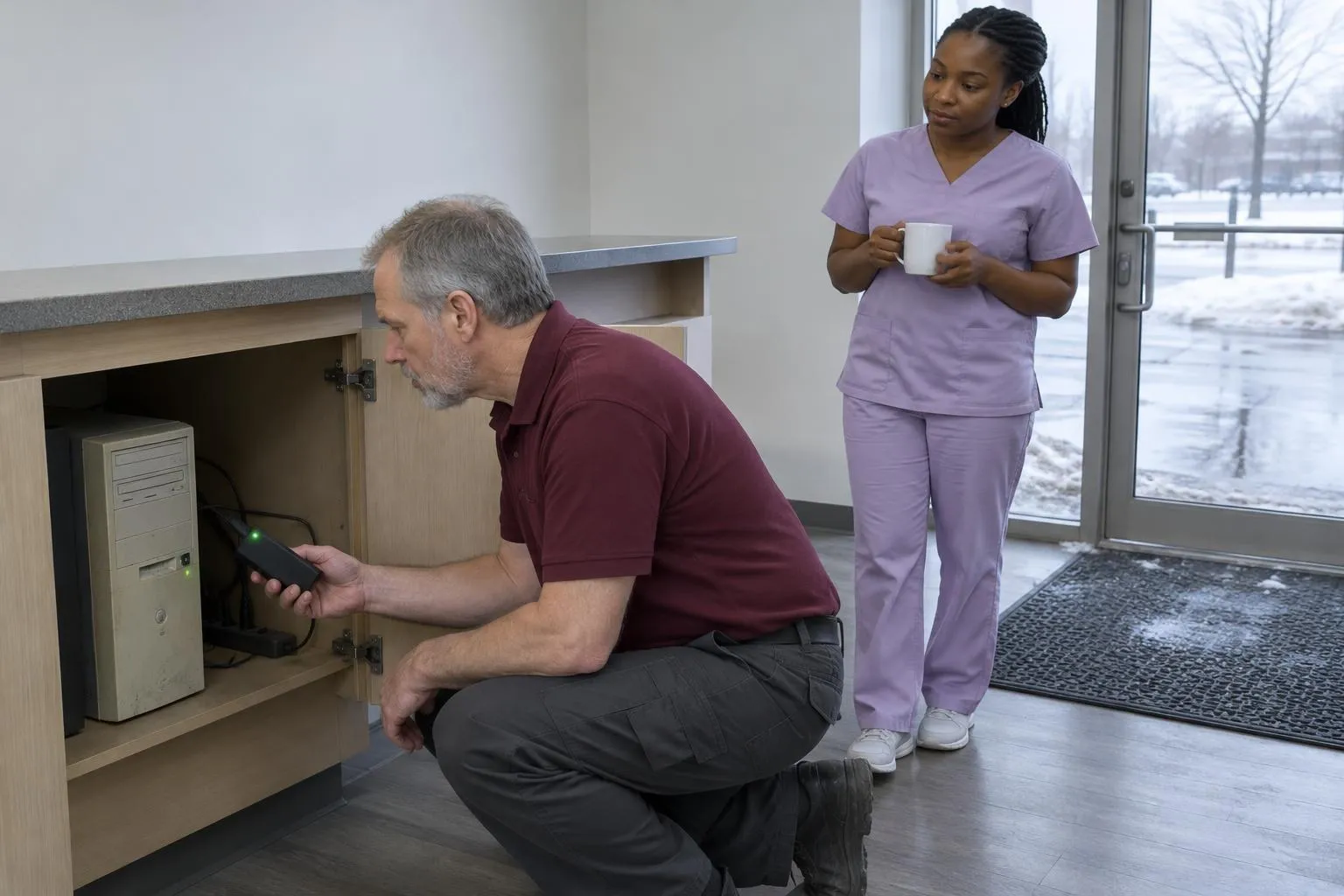
What happens: The IT provider who set up the original network left two years ago. Nobody knows which cable goes to which switch port. A front desk move turns into a four-hour troubleshooting session.
This sounds minor. It costs real hours.
Pro Tip:Label every port, every cable, every network device. Maintain a one-page cheat sheet — physical copy at the front desk, digital copy in cloud storage. Update it every time anything changes.
How to prevent it: Insist that any IT provider documents what they build. If your current setup has no documentation, that’s the first project.
Mistake 8: Choosing Practice Management Software Without a Requirements List
What happens: The office manager demos a new platform, loves the UI, and signs an annual contract. Two months later, the billing workflow doesn’t integrate with the insurance clearinghouse they use, and the automated reminder system can’t handle their multi-provider schedule.
How to prevent it: Before any demo, write down the three things that can’t be compromised — scheduling logic, billing integration, reminder workflows, whatever actually matters for your practice. Test support responsiveness before you commit. Read reviews from practices with a similar size and specialty. Your IT provider should be part of this conversation.
Mistake 9: Treating “Reboot Fixes It” as an Answer
What happens: A workstation crashes every few days. The fix is always a restart. The root cause is never investigated. Six months later, the workstation fails completely during a procedure.
Intermittent problems in systems like Dentrix, Eaglesoft, or Open Dental aren’t random — they’re signals. Repeated slowness or crashes mean something is wrong with the underlying infrastructure, and that something will eventually become catastrophic.
Reality Check:“Reboot fixes it” is a symptom, not a solution. A good IT provider treats it as a diagnostic prompt, not a closed ticket.
How to prevent it: Log every incident. Track frequency. When something happens more than twice, escalate it for root-cause analysis — not just a restart.
Practical Bottom Line
Most of the mistakes above don’t require expensive fixes. They require attention, documentation, and the right partner.
Start here: audit your current antivirus and backup setup this week. If you can’t answer “when was the last time we tested a restore?” — that’s your first project. Second, if your hardware is pushing six or seven years old, start building a replacement budget now before it becomes an emergency.
If your IT provider can’t name the dental software they specialize in, that’s also your answer about whether they’re the right fit.
For a deeper look at how to evaluate IT support options and what managed services agreements should include, read The Complete Guide to Dental IT Support.
Done reading? Get quotes from dental IT supports near you.
Takes about a minute. Free, no obligation; providers reply to you directly.
Popular cities:
Nick built this directory to help dental practice owners find credentialed IT providers without wading through general IT shops that lack dental software expertise — a gap he encountered when researching technology vendors for healthcare clients who needed both HIPAA compliance and Dentrix familiarity from day one.